

How to Add Funds to Your CoinDCX Futures Wallet (INR → USDT → Futures)
Step-by-step with screenshots: deposit rupees on CoinDCX, buy USDT, and move it into your Futures wallet so AlgoPulse can trade. Takes about 2 minutes, plus the fixes for “Insufficient funds”.
AlgoPulse can only trade with money that is inside your CoinDCX Futures Wallet. Money sitting in your INR Wallet or Coins Wallet is invisible to your strategy — that is the reason behind almost every “Insufficient funds” message. Moving it across takes about two minutes in the CoinDCX app.
Your three CoinDCX wallets
- INR Wallet — the rupees you deposit by UPI or bank transfer land here.
- Coins Wallet — crypto you buy, including USDT, sits here.
- Futures Wallet — the only wallet AlgoPulse trades from.
Step 1 — Deposit rupees
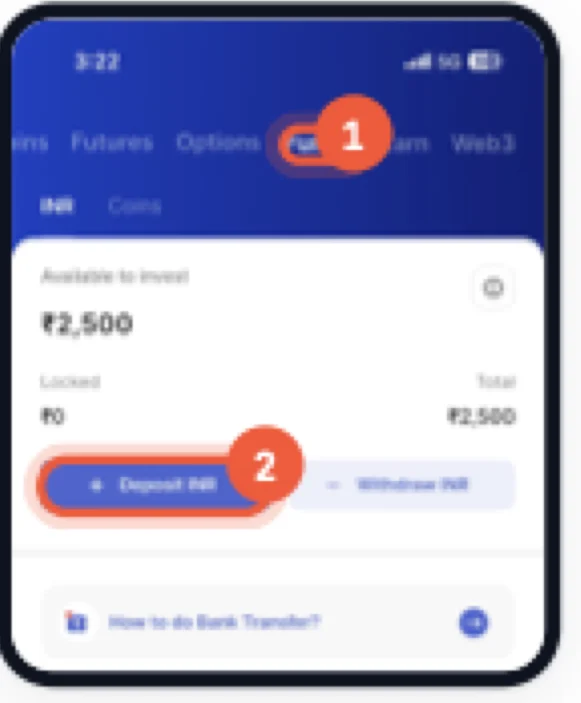
Path: Portfolio → Funds → INR → Deposit INR
Tap Portfolio in the bottom bar, open the Funds tab, then Deposit INR. Pay by UPI or bank transfer and wait until the amount shows under Available to invest.
Step 2 — Buy USDT with your rupees
Path: Search → USDT → Buy
Search for USDT (Tether), tap Buy, enter how many rupees you want to spend and confirm. The USDT arrives in your Coins Wallet — not in Futures yet.
Step 3 — Open Futures and tap Transfer
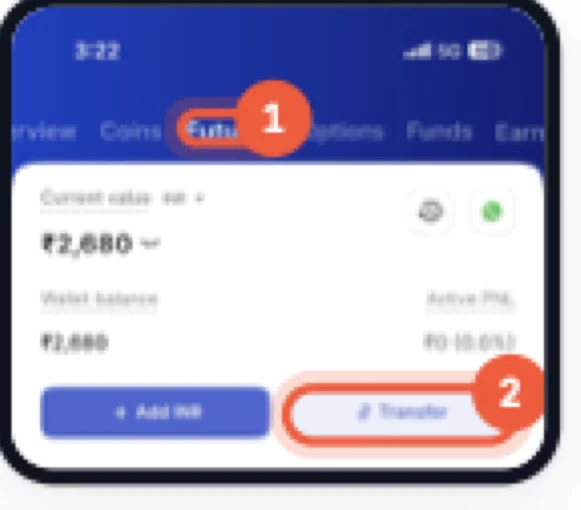
Path: Portfolio → Futures → Transfer
Go back to Portfolio, swipe to the Futures tab and tap Transfer.
Step 4 — Move USDT into the Futures Wallet
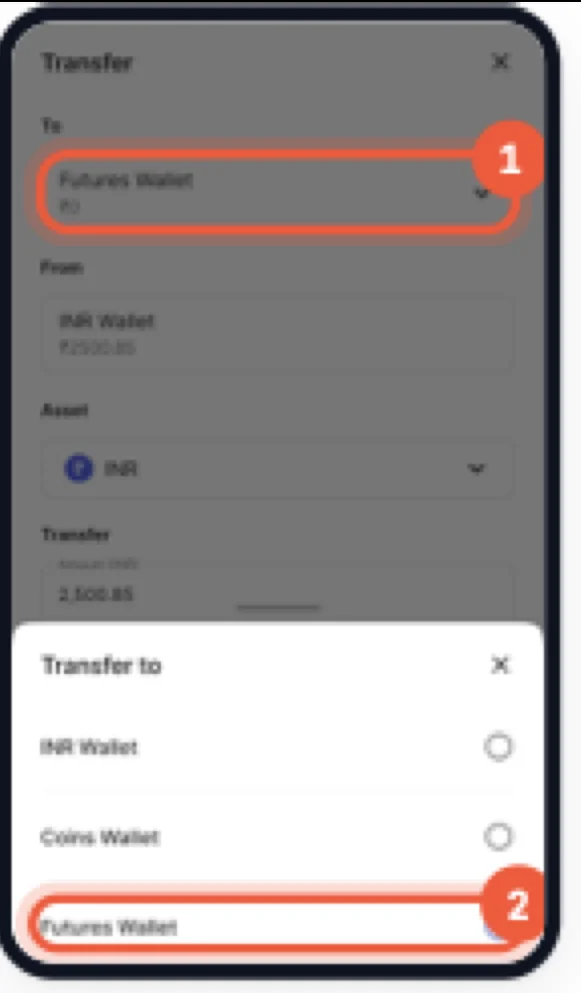
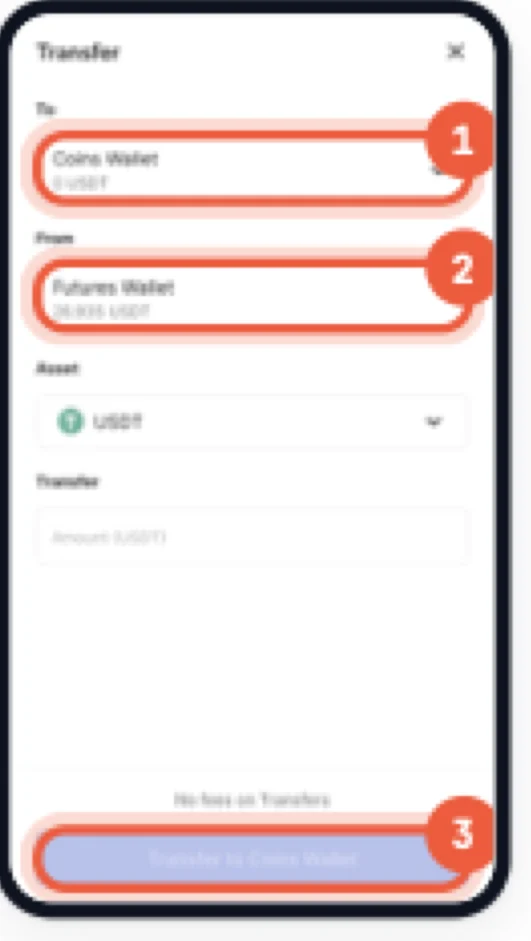
Tap the To box and choose Futures Wallet, then fill in the rest:
- To — Futures Wallet
- From — Coins Wallet
- Asset — USDT
- Amount — how much USDT to move
Tap Transfer to Futures Wallet. If From doesn't show Coins Wallet, change Asset to USDT first — the From list follows the asset you pick.
Step 5 — Check the balance arrived
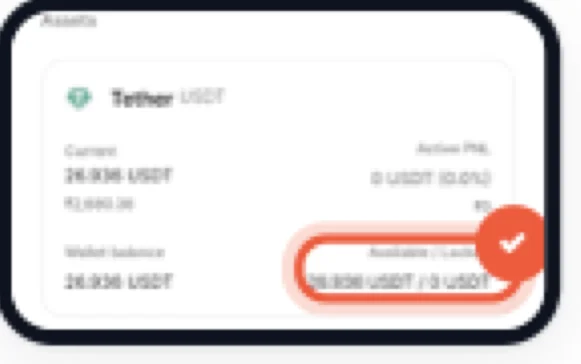
On the Futures tab, scroll to Assets. The Tether USDT card should show your amount under Available. That is the money AlgoPulse can trade with.
Then connect CoinDCX and deploy
With USDT in your Futures Wallet, go to AlgoPulse → Brokers → Add Broker → CoinDCX and paste an API key with Futures and Trade turned on and Withdraw off. Then pick a strategy and deploy it.
Moving money back
Use the same Transfer button on the Futures tab. Set To to Coins Wallet, keep Asset as USDT, enter the amount, and tap Transfer to Coins Wallet.
Common problems
AlgoPulse says “Insufficient funds”
Your Futures Wallet has no USDT. Rupees moved there won't count — repeat steps 2 to 4.
I bought USDT but can't see it in Futures
Buying puts USDT in your Coins Wallet. You still need to transfer it: Futures tab → Transfer → To: Futures Wallet, Asset: USDT.
The Transfer button is greyed out
Enter an amount first. It must be more than zero and no more than the balance shown under From.
My deploy is blocked for being too small
Your trade size is below CoinDCX's minimum for that coin. Raise the investment, position size or leverage until it clears the minimums above.
Ready to try it yourself?
AlgoPulse is free, no credit card, no subscription. Connect your broker and deploy a strategy in 15 minutes.
Get started free